Homebrew Installation Guide for macOS
This guide covers how to install Homebrew on Apple Silicon Macs and use it to set up essential tools for cybersecurity labs, including QEMU.
Prerequisites
- Apple Silicon Mac (M1/M2/M3)
- macOS Big Sur (11.0) or later
- Admin access
- Internet connection
- Terminal application
Step 1: Install Homebrew
- 1Install Homebrew
- 2Configure PATH
- 3Verify Installation
- 4Install Tools
- 5Update & Upgrade
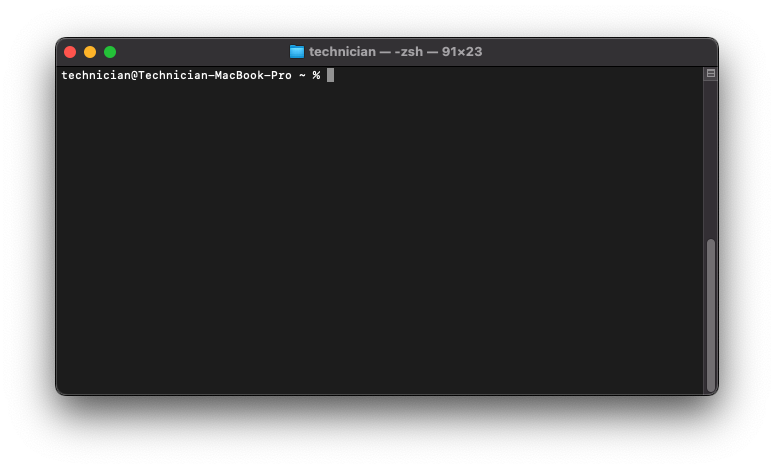
In Your Terminal Run:
/bin/bash -c "$(curl -fsSL https://raw.githubusercontent.com/Homebrew/install/HEAD/install.sh)"
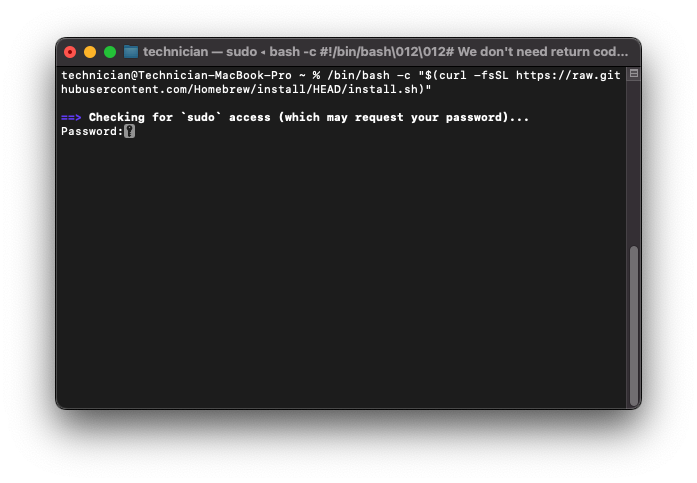
You’ll be prompted for your Mac password. Enter it and press RETURN when asked for confirmation.
Step 2: Configure Homebrew PATH
- 1Install Homebrew
- 2Configure PATH
- 3Verify Installation
- 4Install Tools
- 5Update & Upgrade
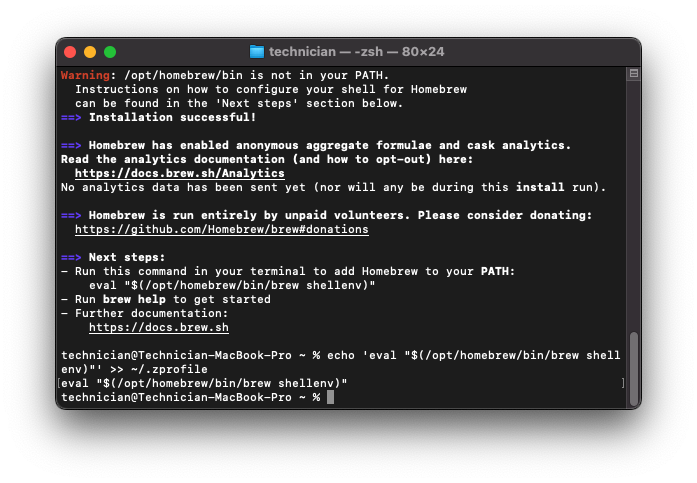
After installation you need to add Homebrew to your current terminal environment:
echo 'eval "$(/opt/homebrew/bin/brew shellenv)"' >> ~/.zprofile
eval "$(/opt/homebrew/bin/brew shellenv)"
Step 3: Verify Your Installation
- 1Install Homebrew
- 2Configure PATH
- 3Verify Installation
- 4Install Tools
- 5Update & Upgrade
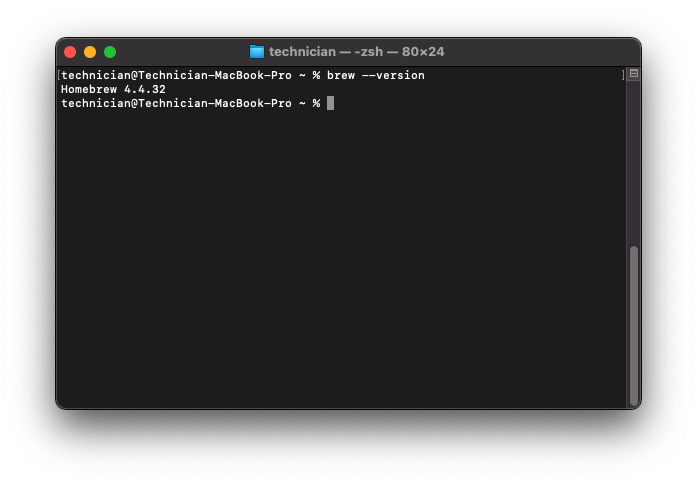
Run the following command in your terminal to verify Homebrew was installed properly:
brew --version
You should see a Homebrew version number outputted to your terminal window:
Install Tools For UTM Labs
- 1Install Homebrew
- 2Configure PATH
- 3Verify Installation
- 4Install Tools
- 5Update & Upgrade
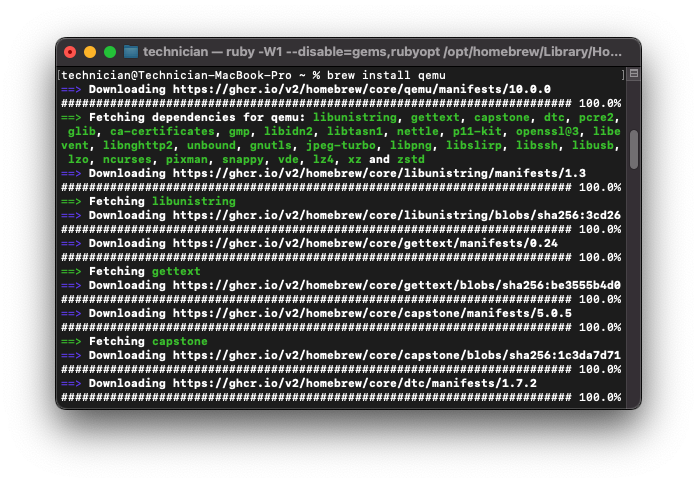
Install QEMU for VM Disk Conversion
brew install qemu
Other Recommended Utilities and Tools
The following utilities and tools can be easily installed using homebrew. They are not required, but will come in handy for labs.
Network Utilities (NMAP and WIRESHARK)
brew install nmap wireshark
File Transfer Tools (WGET and CURL)
brew install wget curl
Development Tools (GIT and PYTHON)
brew install git python
Disk Utilities
brew install coreutils
Step 5: Update and Upgrade
- 1Install Homebrew
- 2Configure PATH
- 3Verify Installation
- 4Install Tools
- 5Update & Upgrade
To update and upgrade everything, use the following command:
brew update && brew upgrade
To updgrade one specific tool:
brew upgrade [package-name-here]
Additional Resources
Official Homebrew Documentation
Official Homebrew Troubleshooting Guide